
These guides explain the documented Bunkfox workflows. The website is an interactive preview; it does not change live property records.
Gather the starting information.
Have your property names, room and bed layout, current resident list, agreed rent and opening balances ready. Keep deposits, rent dues and other amounts separate.
If the records are in PDF or Excel, assisted migration is another starting path. The team maps the files and you review the proposed records and exclusions before import.
Add the property, rooms and beds.
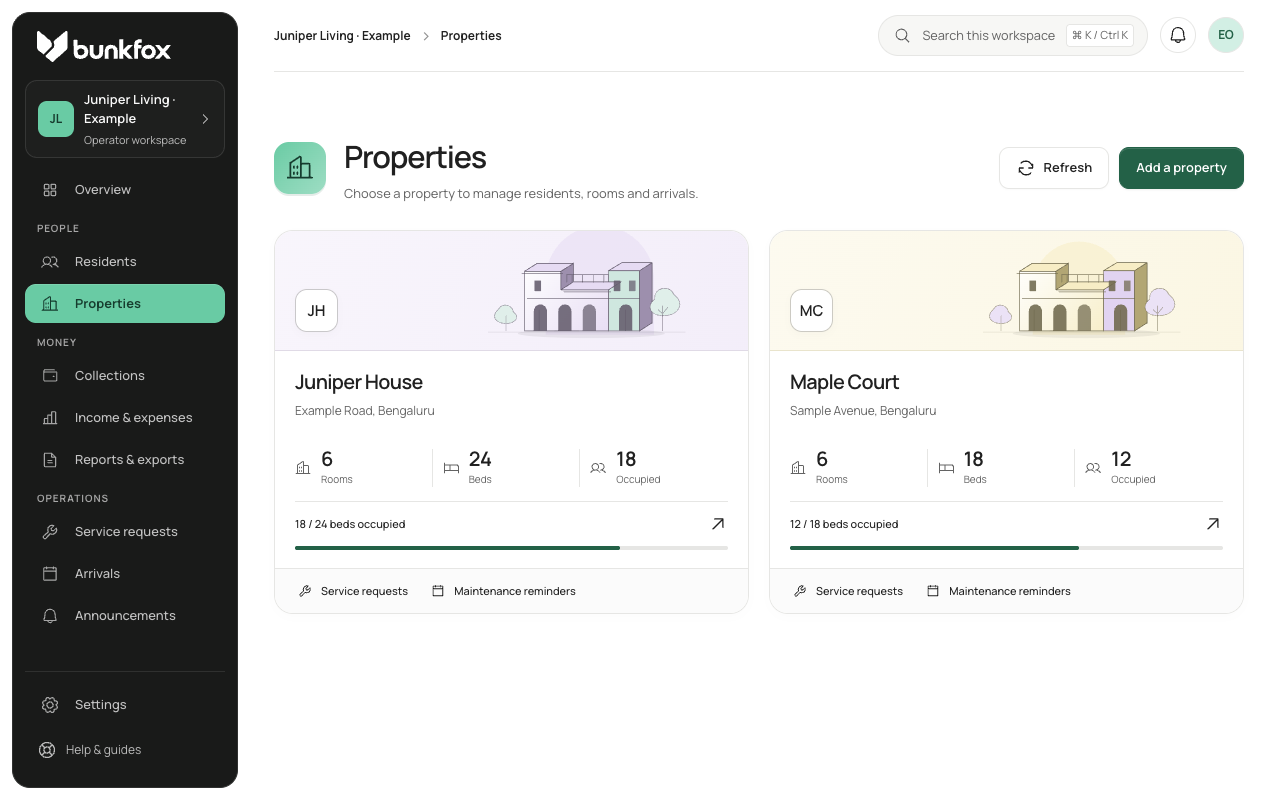
Create the property in your business workspace, then represent the rooms and their actual beds. Sharing describes a room; selecting a sharing type should not silently change its capacity.
Review occupied beds, available beds and future reservations. Check dates where a planned arrival overlaps an existing stay.
Check residents, balances and settings.
Connect each current resident to the correct stay and bed. Review opening balances with a clear starting date, keeping rent due separate from deposits held.
Review the property’s billing basis, enabled cash or direct UPI methods, and the settings that apply to residents. Exact commercial and policy choices should be confirmed for your property.
Invite people after the review.
Use the joining and invitation flows for the intended resident or team member. Managers receive access to assigned properties and permission groups; residents see their own records.
Check the owner and resident views against the same sample stay. The room, rent and payment history should tell the same story.