
These guides explain the documented Bunkfox workflows. The website is an interactive preview; it does not change live property records.
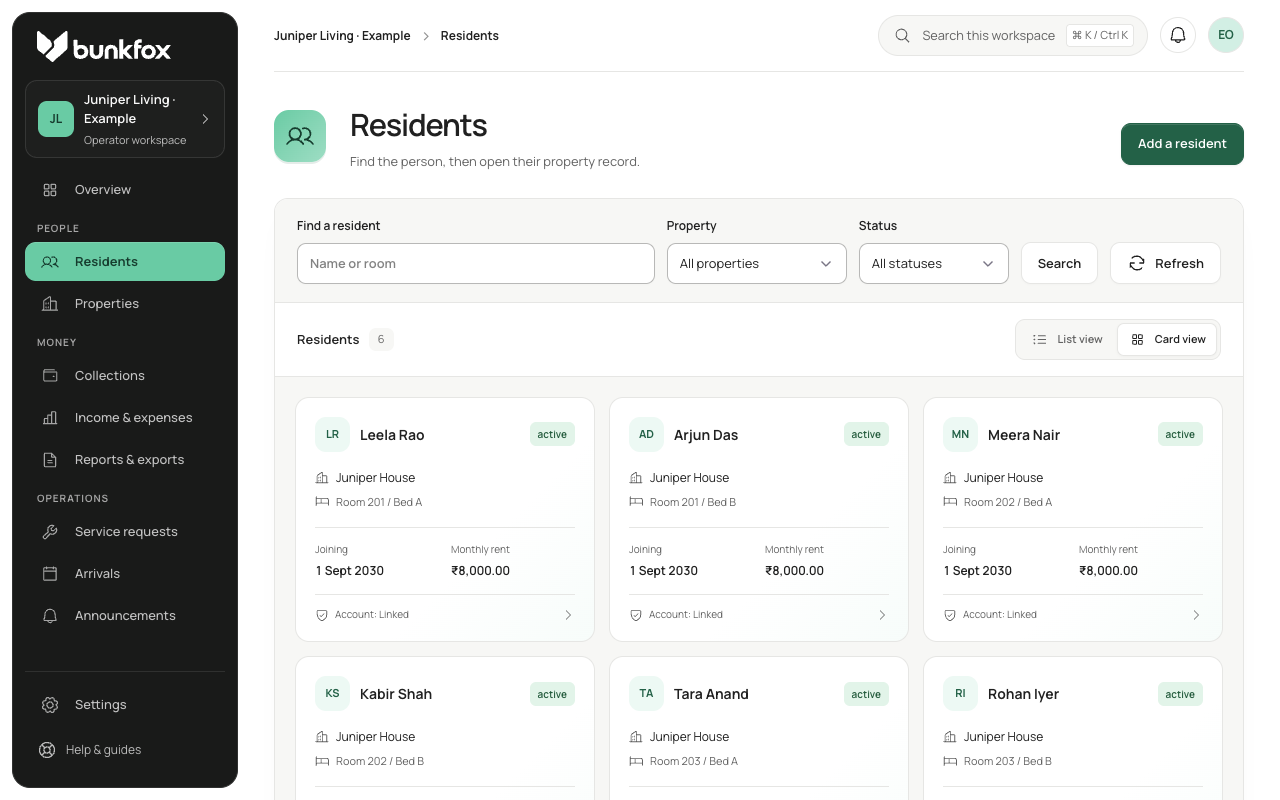
Start at the right property.
Select the property and review its rooms, beds and current stays. A room’s sharing arrangement and its bed capacity are related details, but changing a sharing label should not create or remove beds.
Keep current occupancy separate from future availability. An intended joining date matters when another resident is still in the bed.
Record the planned stay.
Choose the intended property, room, bed and joining date. Record agreed rent, sharing details and any token terms, including the token’s intended purpose.
If the bed conflicts with an existing stay or reservation, inspect the warning and resolve the overlap. A reservation should not be presented as a guaranteed bed while a known conflict remains.
Confirm the actual check-in.
Form completion, payment claim, verified receipt, reservation confirmation and physical check-in are separate events. Recheck bed availability at check-in.
Missing profile information or documents should remain visible for follow-up. They do not silently block check-in, but an unresolved occupancy conflict does. Uploaded documents are manually reviewed; this is not government-verified KYC.
Keep changes connected to the stay.
If agreed rent, bed or joining date changes, show the difference and retain the earlier terms. A notification is not the same as resident acceptance.
Transfers and departures keep their dated history. Physical departure, final settlement and an external refund are separate events; a departed resident can still have an unresolved balance.