
These guides explain the documented Bunkfox workflows. The website is an interactive preview; it does not change live property records.
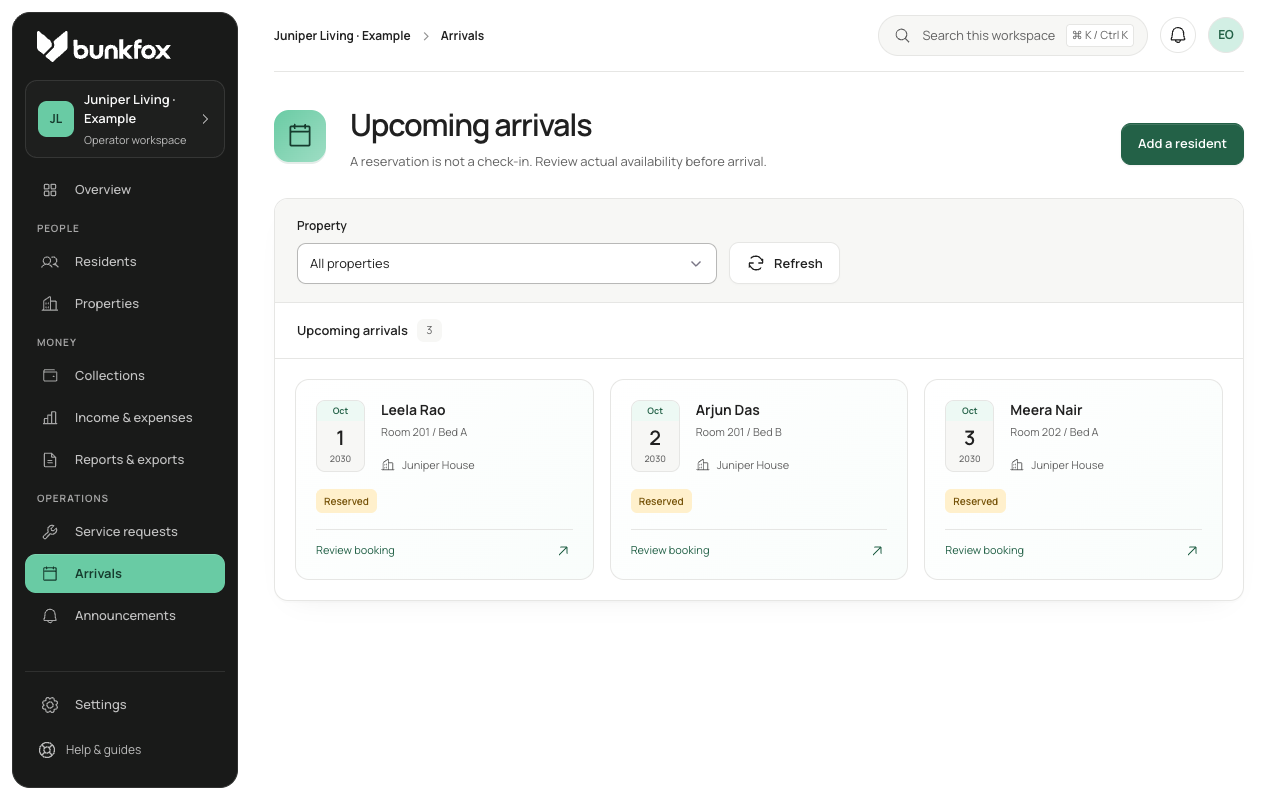
Check the stay you are offering.
Confirm the property, room, bed, joining date, rent and token terms. Check availability for that date. If the bed is still occupied, resolve the conflict before check-in; an invitation does not make the bed available.
Confirm payment and arrival separately.
Review any required token payment against the money received. Form completion, payment verification, reservation confirmation and physical check-in are separate steps. Recheck the bed when the resident arrives and record the actual check-in.
Follow up on missing information.
Collect the remaining profile details and configured documents in stages. Missing information stays visible for follow-up and does not block physical check-in. Review uploaded documents manually; uploading a document does not make it government-verified.